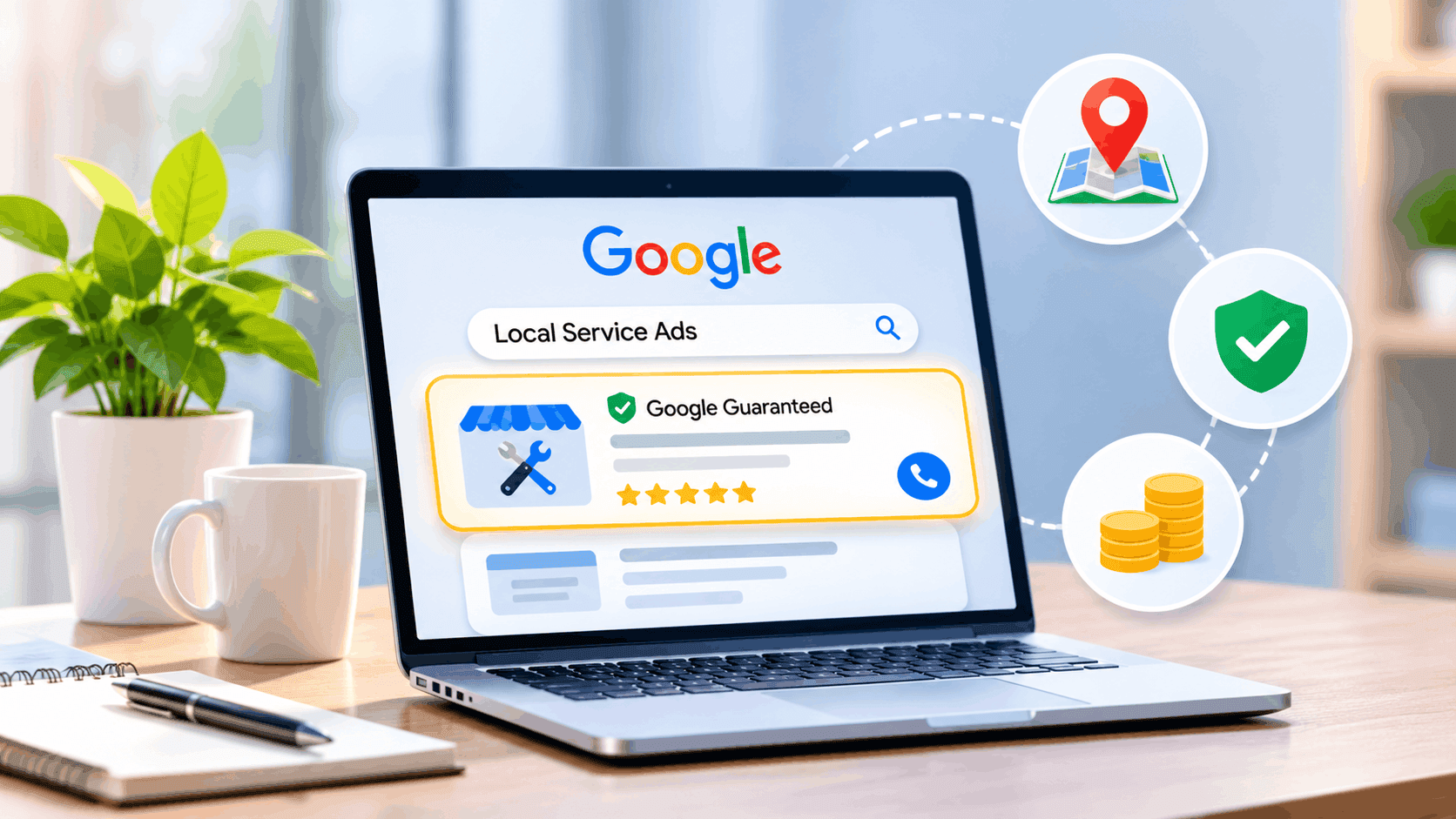
A homeowner types "plumber near me" and sees three businesses above everything else, each with a phone button. That's the slot Google local service ads sell. You pay when someone calls, messages or books, not when they click. This guide is for US service business owners who run these ads or are thinking about them. You'll get how the ads work, what Google checks before you go live, how billing and budgets behave, and what the move into Google Ads starting in August 2026 means for your account.
What Are Google Local Services Ads?
Google Local Services Ads are pay-per-lead ads for local service businesses, shown at the top of Google Search and Maps when people look for a service in your area. Google's help pages say the leads arrive as phone calls and messages sent through your ad, and customers can also book directly.
You don't choose keywords. Targeting comes from your service categories and the areas you cover. The ad shows your business name and, once you pass screening, the Google Verified badge. Google fixes the category list, and some entries apply only in certain states, such as architects in California and Florida.
Why Do Google Local Service Ads Matter for US Service Businesses?
Google local service ads put you in front of people who are ready to hire, and you pay only for contact. Google's own comparison says Google Ads uses a pay-per-click model while Local Services Ads uses pay-per-lead, which changes what a wasted dollar looks like.
A click can come from someone comparing prices for fun. A call or message means someone wants a job done.
Example: A Phoenix HVAC company runs search ads and pays for clicks from renters who can't authorize a repair. Switching budget to a call-based ad means the bill follows conversations, not curiosity. The company still has to answer the phone, though.
How Do Local Services Ads Work?
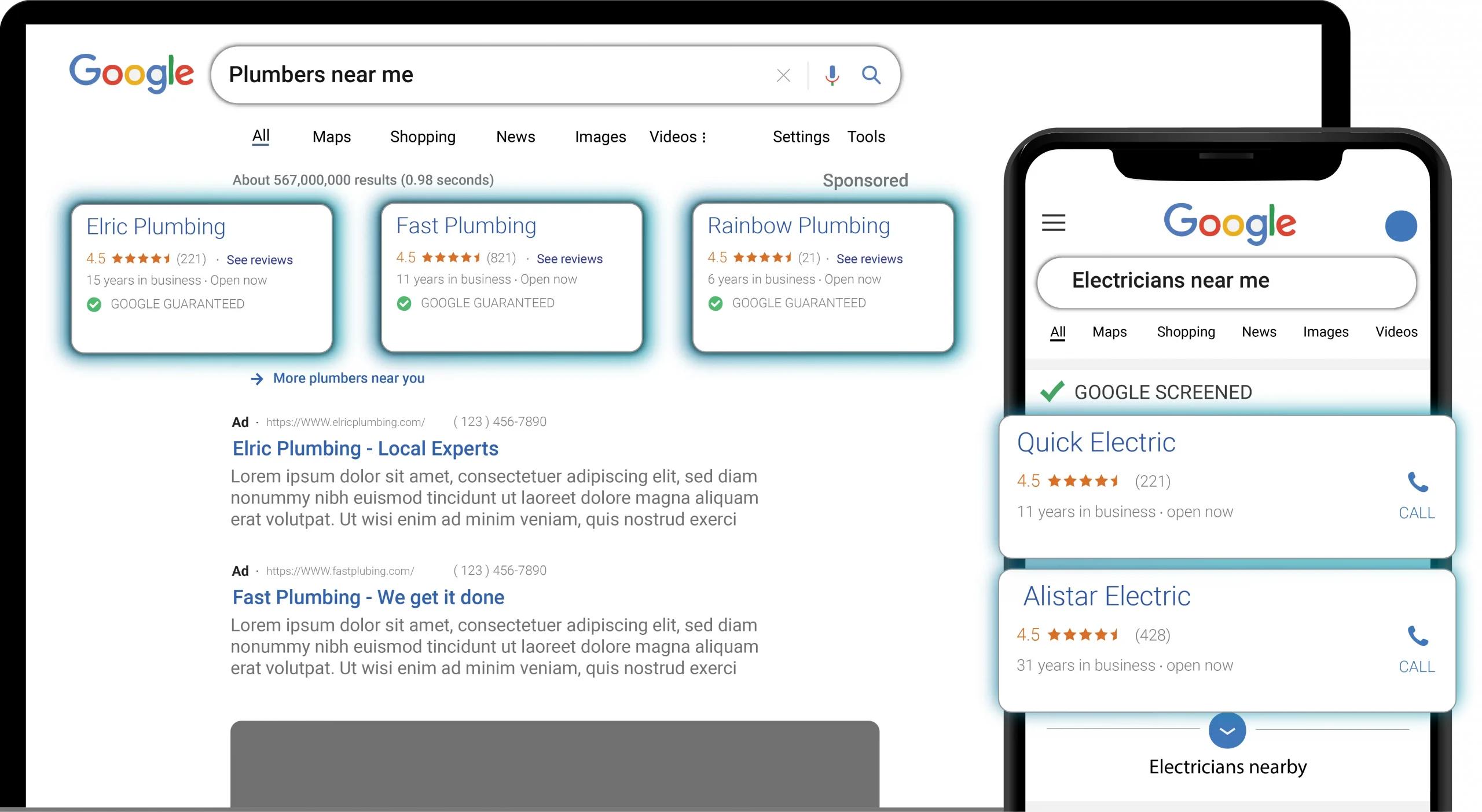
A customer searches for a service, sees your ad in the Local Services unit, and calls, messages or books through it. Google emails you when a customer reaches out, and from that point the lead is yours to turn into a job.
Calls route through a Google forwarding number. In the US and Canada, Google's help page says inbound calls through that number are recorded to evaluate lead quality.
Reply fast. Google says that if you regularly fail to answer calls or respond to messages, your ad ranking may be affected. A missed call costs you the job and can lower where you appear.
How Are Local Services Ads Different From Google Ads?
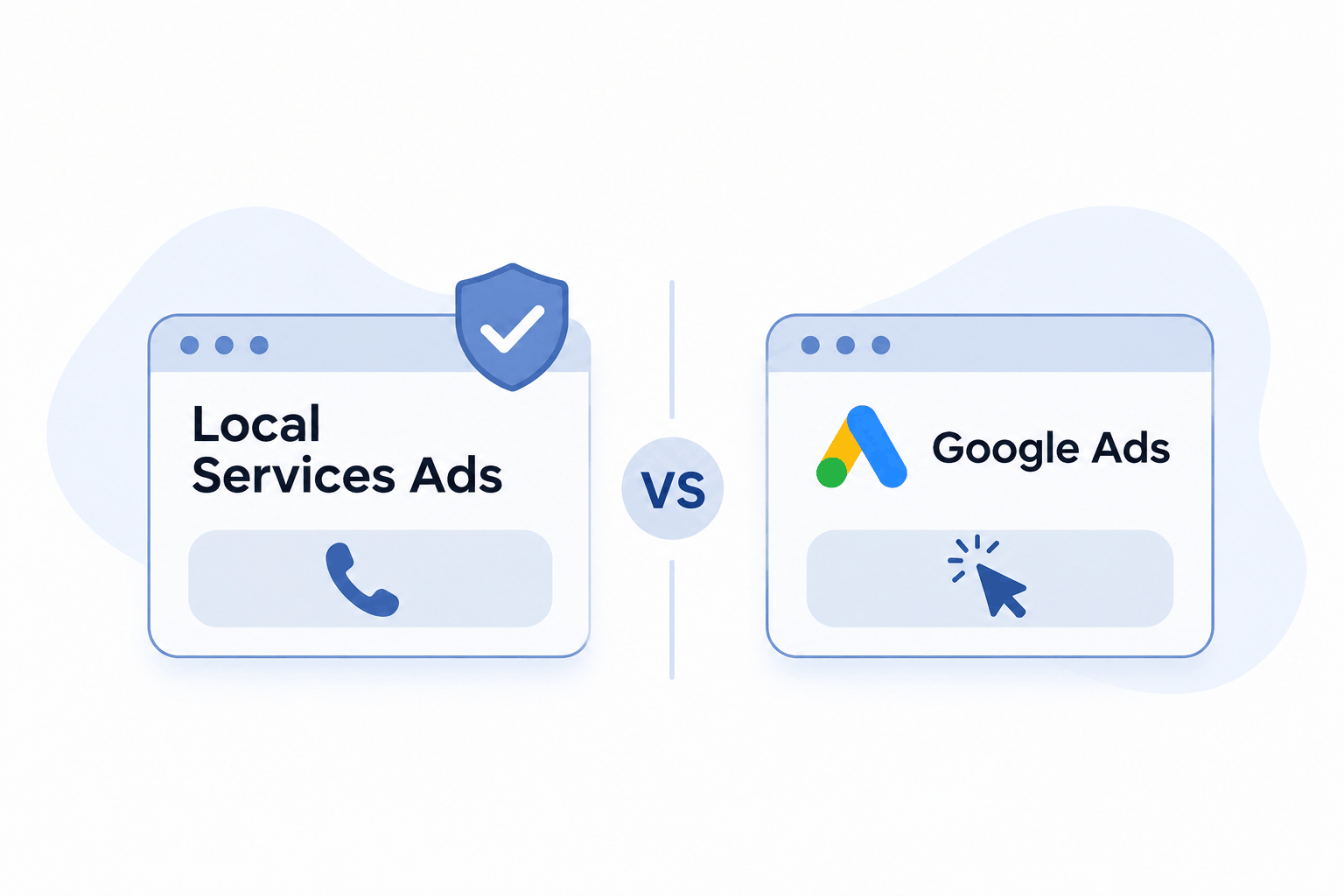
The two products differ in what you pay for and who sees your ad. The table below compares them on the points that decide which one fits.
| Local Services Ads | Google Ads search | |
|---|---|---|
| You pay for | Valid leads | Clicks |
| Targeting | Categories and areas | Keywords |
| Where it shows | Search and Maps | Search, Display, YouTube, Gmail |
Google Ads reaches Search, Display, YouTube and Gmail. Local Services Ads stay on Search and Maps. If you sell a service people book by phone, start with the lead-based option. If you need website sales or broad awareness, you'll want Google Ads as well.
How Do You Set Up Local Services Ads Step by Step?
Setup takes seven steps, and the verification step is the one that sets your launch date. Google's help pages list what pre-badge ads need, which is a good checklist for the rest.
- 1.Check that your business category is eligible in your area.
- 2.Create your profile and confirm details from your Google Business Profile.
- 3.Submit your business license or registration.
- 4.Finish background, insurance or other checks your category needs.
- 5.Collect the reviews your category requires.
- 6.Complete billing and set your budget.
- 7.Pick a person who will answer every call and message.
Google says the process varies by business category and location, so your dashboard is the final word on what you'll be asked for.
What Does Google Verified Mean on Local Services Ads?
Google Verified is the badge that signals your business passed Google's screening, and it replaced the older Google Guarantee badge. Google says it moved to a single badge for all advertisers and ended the Money Back Guarantee tied to the old one.
New advertisers earn the badge by finishing screening and verification. After an initial review, some get accelerated verification and then have 14 days to finish extra steps. Miss them and Google says you may lose the badge, have ads paused, or face account suspension.
Pre-badge ads let you take leads earlier, but Google lists them below providers who finished everything.
How Much Do Local Services Ads Cost?
You pay per valid lead, and the price per lead depends on your category and area. The pages cited here give no fixed rate, so check the Cost / conv. column in your account for your average cost per lead.
You control spend through your budget. Google divides a weekly budget by 7 to get a daily one, and caps monthly spend at the daily budget times 30.4.
Example (assumed figures, not a price list): A Dallas roofer sets a $100 daily budget. The monthly cap is $100 times 30.4, or $3,040. If the account averages $50 a lead, that's about 60 leads at most, and fewer if Google credits spam or duplicates.
What Challenges Should You Expect With Local Services Ads?
The hard parts are verification time, lead quality and answering speed. Each can cost you money before you see a single job.
- Screening has several checks, and only some categories qualify
- Some leads won't be real customers
- Calls you miss may lower your ranking
- Manual max cost-per-lead bidding is gone after migration
- Old performance reports don't carry over
Google's Leads page shows a Charge Status column, including leads automatically credited by spam and duplicate filters. Check it every week.
Common Mistake: Waiting for migration day to save your reports. Google says your Local Services Ads performance reports will not transition to Google Ads, so download or screenshot them first.
What Local Services Ads Trends Matter in 2026?
Google is moving Local Services Ads into Google Ads as Performance Max campaigns with pay-per-lead goals. Google's help page says phase one starts in August 2026 for select US home and storefront service advertisers, such as plumbing, HVAC and roofing.
Later in 2026 it widens to service-area businesses without storefronts. Non-US accounts and remaining categories follow in 2027.
Your ads keep showing on Search and Maps in the same positions, and you still pay for valid leads. Your verified status moves with you, and Google says insurance and license reverification are no longer required. What changes is the control panel, plus bidding: Google says manual bidding is no longer supported, and old reports vanish.
What Should You Do Next?
Google local service ads reward businesses that get verified, answer fast and track lead quality. Check your category's eligibility first, finish screening, then pick one person to own every call. Download your reports before any migration notice lands, since they won't follow you. If you'd rather have a team handle setup and the move into Google Ads, Margo Digitech's PPC services can plan it with you. To weigh the two products side by side, read Margo's guide to LSA vs Google Ads.
Frequently Asked Questions
Google is moving Local Services Ads into Google Ads as Performance Max campaigns with pay-per-lead goals. The first phase starts in August 2026 for select US home and storefront services, with later phases through 2027. Ads still show on Search and Maps, and you still pay only for valid leads.
They're worth it when you can answer calls and your category is eligible, because you pay for contact instead of clicks. They suit services people book by phone. Judge them by your cost per lead and by how many leads turn into paid jobs, not by lead count alone.
Yes. Google says Google Ads uses a pay-per-click model and targets a broad audience, while Local Services Ads focuses on local leads and charges per lead. Local Services Ads also use categories and service areas instead of keywords, and they show only on Search and Maps, never on Display or YouTube.
Only certain service categories are eligible, and Google's help page lists dentists among them. Availability depends on your category and your location, so use Google's eligibility checker before you plan a budget. Some categories also face extra checks, such as background, license or insurance verification, before ads go live.
You earn it by passing Google's screening and verification process, which varies by category and location. It may include background, business registration, insurance and license checks, plus minimum review requirements. Existing advertisers who completed verification received the badge automatically when Google switched to a single badge.