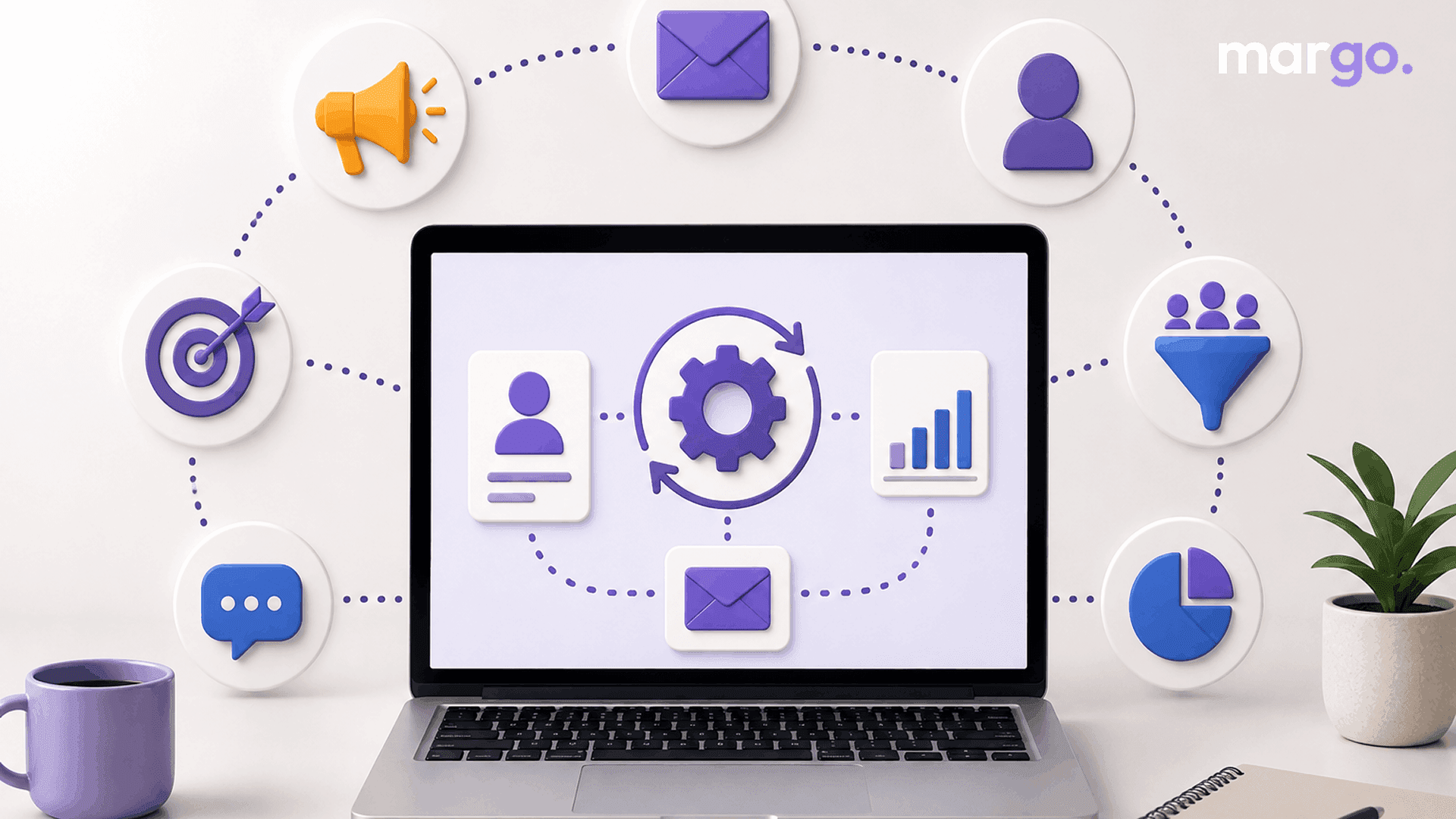
If you've ever gotten a welcome email seconds after signing up for a newsletter, or a reminder about items left in your cart, you've already experienced marketing automation. But what is marketing automation exactly, and how does it actually work behind the scenes? In this guide, we'll explain what marketing automation is, how the technology works, what tools are available, and how to build a strategy that works for your business, whether you're a solo founder or part of a larger team.
Marketing Automation Meaning
Marketing automation software does repetitive marketing tasks like sending emails, posting on social media, scoring leads, and updating customer records based on set triggers, so no one has to do them by hand every time. Rather than a marketer sending the same welcome email to every new subscriber one by one, marketing automation software sends it the moment someone joins a list. The same logic scales up to more complex journeys, like nurturing a lead through several touchpoints before they're ready to buy. Businesses that adopt automation well have reported significantly higher volumes of qualified leads compared to manual outreach, which is part of why the category has grown so quickly across companies of every size.
How Does Marketing Automation Work?
Marketing automation is based on triggers, conditions, and actions. It starts when someone does something like filling out a form, abandoning a cart, clicking on a link, or landing on a specific page. Then, depending on who that person is or how they behave, location, previous buying or engagement history, what happens next. Actions are things the system does automatically, such as sending an email, alerting a sales rep, or updating a CRM record.
A simple example: A visitor downloads a free guide (trigger) → the system determines whether they are new or returning (condition) → they're added to a nurture sequence and get a follow-up email a couple of days later (action). That's the whole point of digital marketing automation: once that workflow is set up, it runs itself, and no one has to do anything.
Marketing Automation Software & Tools
There are a huge number of marketing automation tools out there for all kinds of budgets and businesses. Others, like HubSpot, ActiveCampaign, Klaviyo, and Marketo, do email, SMS, social scheduling, and CRM data all in one place. Some only do email and lead nurturing, while these do all of these things. When comparing marketing automation software, it's important to take into account:
- Ease of use (especially visual drag-and-drop workflow builders)
- How well it integrates with your website, CRM, or e-commerce platform
- Extent of analytics and reporting
- Pricing as your "contacts" grow (watch out for high per-contact pricing)
The good news is, most platforms now have free or cheaply priced starter tiers, meaning marketing automation for small business is an achievable option, not just something for the big enterprise with a dedicated ops team.
Why It Matters for Small Business
People often think wrongly that automation only works when it's used on a large scale. A small team usually works better because the founder can set up a welcome sequence, abandoned cart reminders, and a re-engagement campaign for customers who haven't bought anything in a while. All of this can run in the background while the founder runs the business. Because most tools no longer require coding knowledge, small businesses can start with one simple workflow and expand as they get comfortable.
Building a Marketing Automation Strategy
Turning on software without a plan rarely produces good results. A solid marketing automation strategy starts by identifying where leads drop off or where your team is repeating the same manual tasks.
From there:
- Map the customer journey: The path a lead travels from first touch to purchase and beyond.
- Set up workflows for each step: Welcome sequences, nurture emails, post-purchase follow-ups.
- Segmentation so messages are not generic but relevant.
- Establish quantifiable goals, like open rates, conversion rates or time saved on manual labor.
Marketing workflow automation is most effective when it is based on real customer behavior rather than a generic template. The more tailored the workflow, the more relevant the message feels on the receiving end — and increasingly, that workflow spans more than email alone, coordinating an email, a retargeting ad, and a text message around the same trigger for a consistent, multi-channel experience.
Benefits of Marketing Automation
The benefits of marketing automation go beyond saved time. Done well, it improves both efficiency and the quality of customer relationships:
- Messages are sent without having to rely on someone remembering to do so.
- Data like name, behavior, or purchase history can still make workflows feel like they are made just for you.
- Better lead nurturing means that prospects are followed up with at the right time and don't get lost.
- Most platforms use analytics to show what's working.
- Less work means teams have more time to work on strategy and less time to do the same things over and over again.
Common Mistakes to Avoid
Automation isn't "set it and forget it." Workflows that aren't used for months tend to become outdated, and segmenting too much into dozens of small lists usually makes things more difficult without getting better results. Most businesses are fine with just a few core segments. It also pays to document your process before automating it: run a workflow manually for a week or two, confirm it works, and only then hand it off to software.
Getting Started
The best approach is to start small. Select a repetitive process such as a welcome email, cart abandonment reminder, or a simple lead nurture sequence and build it in the marketing automation software of your choice. Test it thoroughly, check how it performs after the first batch of contacts, and expand into new workflows once that one is running smoothly.
Final Thoughts
So what is marketing automation in practice? It's a way to make your marketing more consistent, more personalized, and far less labor-intensive no matter how big or small your team may be. Knowing when workflows are triggered, selecting the appropriate tools, and developing a strategy based on actual customer behavior can enable businesses to employ digital marketing automation in ways that save time and improve client relationships simultaneously.
Frequently Asked Questions
It’s software that automatically does repetitive marketing things – sending emails, updating contact records, etc. – based on a trigger (form submission, page visit, etc.) rather than a person doing it manually every time.
Some of this is through the use of automated emails. Instead, marketing automation can orchestrate the entire customer journey across all channels, not just a single message type. This includes CRM, email, SMS, social media, advertisements, and updates.
Sure thing. You don’t need a long list to automate, especially for repetitive things like welcome emails and follow-ups. There are numerous providers of marketing automation software that offer free or low-cost plans for small businesses.
Start with one high-impact workflow, a welcome email series, or an abandoned cart reminder. Then, when it is humming along and you feel good with the platform, move into lead scoring, nurture sequences, or re-engagement campaigns.
Often, it's because of weak inputs, like a small or bad list of contacts, goals that aren't clear, or workflows that aren't based on a real strategy. Automation scales what you are already doing. It does not generate leads or fix a broken process in isolation.