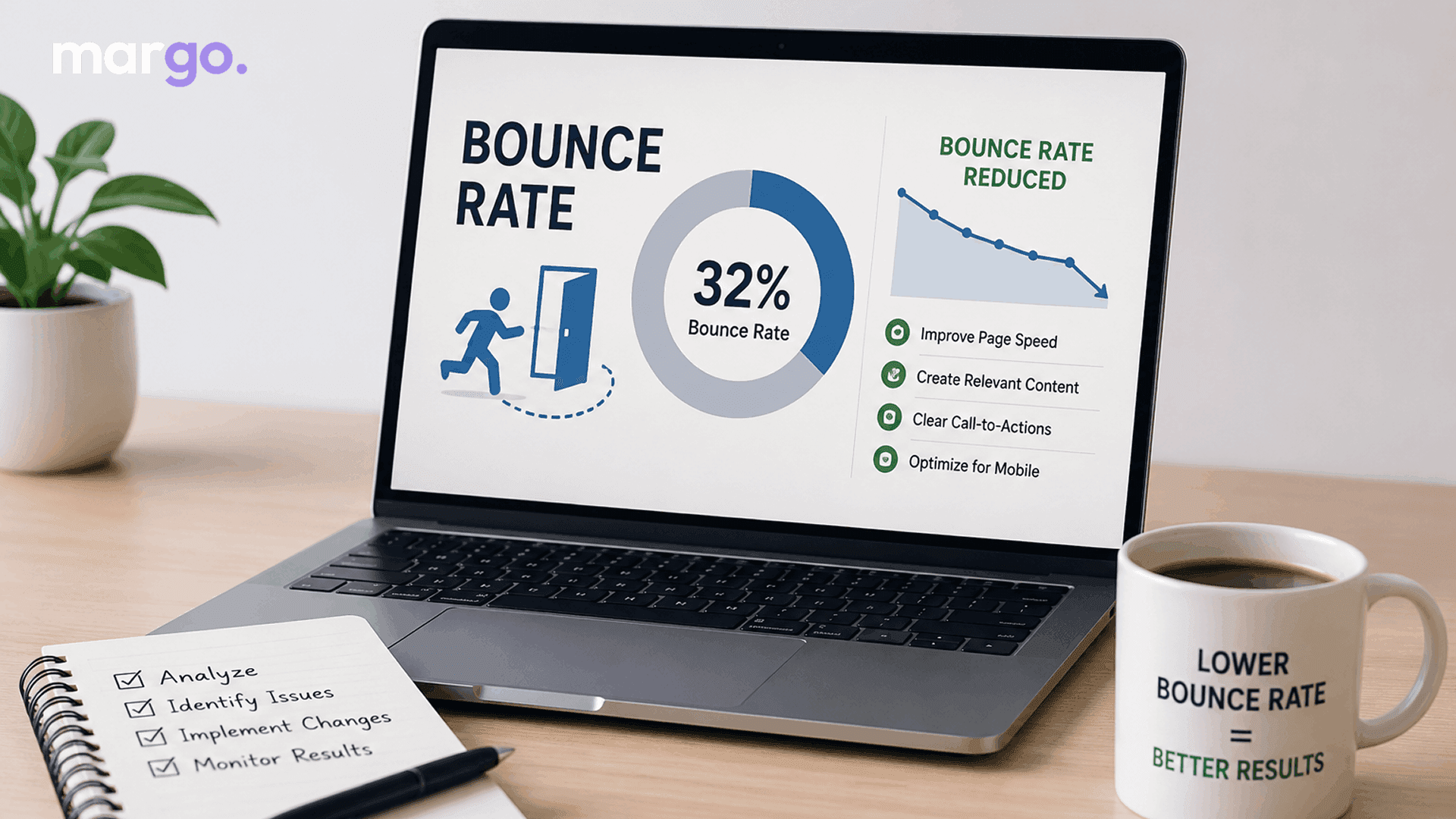
You checked your website analytics and saw a number that seems way too high: the bounce rate. Before you panic, you need to understand what this metric really means, why it's important and, more importantly, what you can do to lower it. Good tips to reduce bounce rate and a simple explanation of bounce rate.
What Is Bounce Rate?
The bounce rate is the number of people who visit your website, look at a few pages, and then leave without doing anything else, like clicking to another page, scrolling, interacting with the content, or buying something. A "bounce" is when someone visits your home page, closes the tab, and doesn't click anything else for 30 seconds.
To calculate it as a percentage, divide the number of sessions that only go to one page by the total number of sessions that go to more than one page or site. There were 10 visitors, and only 7 stayed on one page. This is called a "bounce rate."
Note that Google Analytics 4 (GA4) slightly changed this metric by making "engagement rate" the main focus and calculating bounce rate as the opposite: the percentage of sessions that were not engaged (meaning they lasted less than 10 seconds, had no conversion event, and had fewer than two pageviews).
Why Bounce Rate Matters
The bounce rate is not a verdict, but a sign. If your bounce rate is high, it could mean that people aren't finding what they were looking for, that your page is taking too long to load, or that your content doesn't answer their question. But on the other hand, it can also show how certain types of pages normally behave.
It's only important when it's linked to business goals. When users land on a product page and then leave immediately, they're missing out on a sale. If they come to a blog post, read all of it and leave, that might mean they got exactly what they came for.
What Counts as a "Good" Bounce Rate?
There isn't a single standard for average bounce rate because it varies a lot by industry and page type. As a general point of reference:
- Blog and content pages: 60–90% is normal because people read one article and then leave.
- Landing pages (single-purpose, ad-driven): 70–90% is typical
- E-commerce and retail sites: 20–45% tends to be healthier, since visitors are expected to browse multiple products
- Service and B2B websites: 25–55% is a reasonable range
Don't just use a random number to compare your bounce rate; always use your own past data and industry standards instead. It's much more important to worry about a "high" bounce rate on a product page than on a single blog post.
Common Causes of a High Bounce Rate
A high bounce rate is often caused by the following:
- Slow page load times: People quickly leave pages that take a long time to load. Bounces can go up by a lot with even a one- or two-second delay.
- Poor mobile experience: If your site isn't optimized for them, people on their phones and tablets will be out of there in no time.
- Mismatched expectations: People will leave your site right away if your page title, meta description, or ad copy makes false promises that the page will fulfil.
- Weak or unclear content: People leave websites that are hard to understand, have a lot of text, or don't answer their question.
- Intrusive pop-ups: Pop-ups that are too aggressive, especially ones that appear right away or are hard to close, make visitors angry and make them want to leave.
- No obvious next move: If a page doesn't lead to a natural next step – another article, a related product, a call to action – many people will read it and leave.
- Irrelevant traffic sources: People who come from keywords that don't match, ads that aren't targeted well, or sites that send people to yours that aren't relevant often bounce at a higher rate because it wasn't a good fit to begin with.
How to Reduce Bounce Rate
Here's how to lower the bounce rate:
- Improve page speed: Use a content delivery network (CDN), compress images, and remove unnecessary scripts. Even small increases in speed can make a big difference in lowering bounces.
- First Mobile: Make sure your site is fully responsive. Ensure buttons are easy to tap, text is easy to read without zooming in, and mobile connections load pages quickly.
- Match content to intent: Make sure the content of your page actually does what the title, meta description, and any ads said it would. False headlines may get people to click, but they also get people to leave the page quickly.
- Improve readability: Break up the text with subheadings, bullet points, and short paragraphs. Visuals should be clear when they can help. Make it simple for people to look around and find what they need.
- Internal links: Send users to the right pages, products or content depending on where they are in their journey. This makes them want to look around more, rather than leaving.
- Include clear calls to action: Each page should present one. "Read more," "Shop this collection," or "Get a free quote."
- Think about your pop-ups: If you use pop-ups, make sure they don't pop up right away, are easy to close and add to the experience rather than detract from it.
- Go for the right traffic: Better SEO keywords and ad targeting so that people who visit your site are more likely to be interested in what you have to offer. Most of the time, better-matched traffic bounces less.
- Test your site across devices and browsers: Broken layouts or issues with how certain devices work can cause the bounce rate to increase without being noticed. These are caught by regular testing before they cost you visitors.
The Bottom Line
Bounce rate isn't something you should obsess over by itself, but it can help you figure out what's wrong. If your bounce rate increases, especially on pages directly linked to conversions, you should look into it. Focus on page speed, mobile experience, relevant content, and easy navigation, and the bounce rate will usually go down on its own because users will have a better overall experience. Look at your analytics and identify the three pages with the most traffic and the highest bounce rates. Then, check each one of them against the reasons listed above. It only takes a little work to make big changes to things like load time, content clarity, or calls to action.
Frequently Asked Questions
Not all the time. Even if a visitor reads an article and likes what they found, they can still be counted as a “bounce” for certain types of content like blog posts or single-answer pages. The number is less important than the situation.
A bounce rate is a measure of how many times a visitor views one page and leaves without taking any other action. Exit rate is the percentage of visitors who leave a specific page, regardless of how many pages they viewed before leaving. People can look at more than one page before leaving a page. So a page can have a high exit rate without a high bounce rate.
You can find the bounce rate (or engagement rate in GA4) in the reporting dashboard for your site in Google Analytics. It’s usually broken down by page, traffic source and device. This metric is available in the built-in analytics of most website builders and marketing tools.
Depends on the fix and how much traffic you get. You should notice a difference in page speed and mobile fixes within days to a couple of weeks. It can take a few weeks of steady traffic to see a clear trend, so changes to content and targeting often take longer to fully show up.