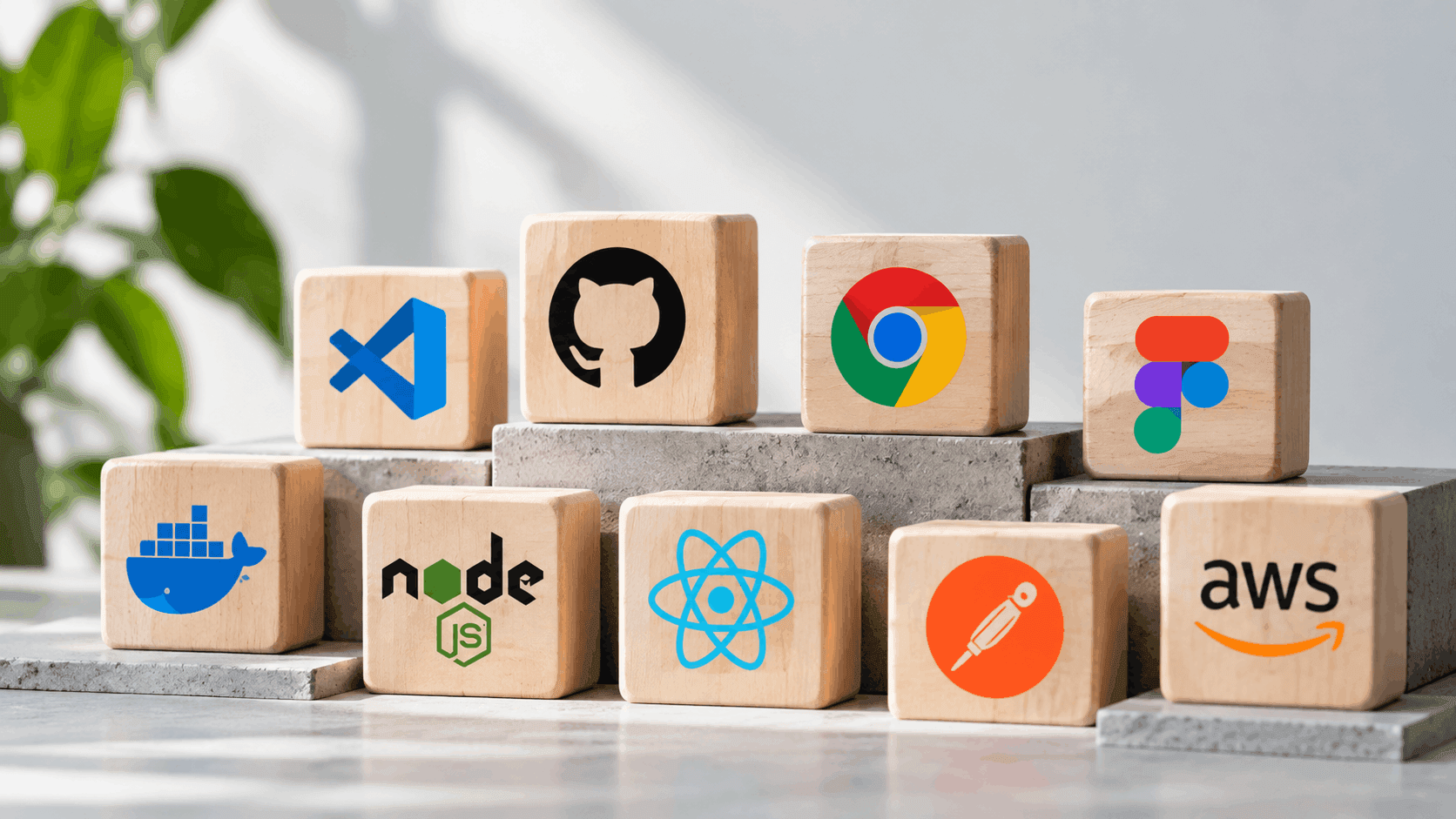
The gap between a slow build and a fast one usually isn't talent, it's tooling. A developer with the right editor, the right AI assistant, and the right deployment pipeline ships in days what takes someone else weeks with a worse setup. This list covers the web development tools actually worth adopting in 2026, organised by what they do rather than by hype.
Code editors and IDEs
VS Code remains the default starting point for most developers, and by a wide margin. The Stack Overflow Developer Survey found 75.9% of developers use it, more than double the share of any other editor, and it's held the top spot for five straight years. Its extension ecosystem covers nearly every language and framework, which is why it keeps winning even as newer, AI-native editors compete for attention.
Cursor, a VS Code fork built around AI-assisted coding, has climbed to 17.9% adoption in the same survey, and JetBrains' IDEs like WebStorm and IntelliJ IDEA still hold a loyal following among developers who want deeper language-specific tooling than a general-purpose editor provides out of the box.
AI coding assistants
AI assistants have moved from novelty to default workflow faster than almost any other tool category. JetBrains' January 2026 survey found 90% of developers regularly use at least one AI tool at work, and data from DX puts the productivity gap in concrete terms: developers using AI tools daily merge 2.3 pull requests a week versus 1.4 for non-users, a 60% throughput difference, while saving an average of 3.6 hours weekly.
GitHub Copilot, Cursor's built-in assistant, and Claude Code are the three seeing the fastest adoption among professional teams, each integrating directly into the editor rather than requiring a separate window or copy-paste workflow.
Browser developer tools
Chrome DevTools is still the standard for debugging, profiling, and inspecting a page live in the browser, covering everything from network waterfalls to CSS layout inspection to JavaScript breakpoints in one built-in panel. Firefox's Developer Tools cover similar ground and remain the better choice for testing rendering differences, since relying on one browser's DevTools alone can hide bugs that only show up elsewhere.
Lighthouse, built into Chrome DevTools, adds automated auditing for performance, accessibility, and SEO directly from the browser, making it one of the fastest ways to catch a Core Web Vitals problem before it reaches production.
Frameworks and libraries
React remains the most widely used front-end library, with Next.js as the dominant framework built on top of it for anyone shipping a production site rather than a component demo, thanks to built-in routing, server rendering, and image optimisation that would otherwise need to be assembled by hand. Vue and Svelte continue to hold strong followings for teams that want a smaller learning curve or lighter runtime, and Tailwind CSS has become the default utility-first styling approach across all three ecosystems.
Backend, database, and deployment tools
Supabase and Firebase both offer a managed backend, authentication, and database in one platform, cutting out weeks of infrastructure setup for projects that don't need a fully custom backend from day one. For teams that do need that control, AWS remains the standard for custom infrastructure, with services like EC2, S3, and Lambda covering compute, storage, and serverless functions respectively.
Vercel and Netlify have become the default deployment targets for front-end frameworks like Next.js, offering git-based deployment where every push automatically builds and ships a preview, which removes most of the manual deployment work a team used to handle by hand.
API and testing tools
Postman remains the standard for building, testing, and documenting APIs during development, letting a team verify an endpoint works before any front-end code depends on it. On the testing side, Playwright has become the leading choice for end-to-end browser testing, replacing older tools with faster execution and native support for testing across Chromium, Firefox, and WebKit from a single test suite.
Design-to-code tools
Figma remains the standard for design handoff, and its Dev Mode feature lets a developer inspect exact spacing, colours, and component properties directly from a design file rather than guessing at values from a screenshot. Tools that generate code directly from Figma files have improved significantly, though most teams still use that output as a starting point rather than production-ready code.
Web development software comparison table
| Category | Leading tools | What they solve |
|---|---|---|
| Code editor | VS Code, Cursor, WebStorm | Writing and navigating code |
| AI coding assistant | GitHub Copilot, Cursor, Claude Code | Faster code generation and review |
| Browser developer tools | Chrome DevTools, Firefox Developer Tools | Debugging, profiling, layout inspection |
| Framework | Next.js, React, Vue | Building the application itself |
| Backend and database | Supabase, Firebase, AWS | Auth, storage, and server infrastructure |
| Deployment | Vercel, Netlify, AWS | Shipping and hosting the built site |
| API testing | Postman, Playwright | Verifying endpoints and user flows work |
| Design handoff | Figma | Turning a design file into accurate code |
Margo Digitech's own web development stack runs on Next.js and Supabase for most client builds, deployed through AWS, which is the same combination reflected in this list rather than a separate internal preference.
Frequently Asked Questions
There isn't one, since the categories solve different problems, but a solid code editor with AI assistance built in has the widest impact across a project, since it touches every line of code written.
Not meaningfully. Both terms describe the same category, tools built for writing, testing, and shipping code, though "application" sometimes gets used more loosely to include no-code or low-code website builders as well.
Yes. An AI assistant helps write and suggest code, but Chrome DevTools and similar tools are still how a developer confirms what's actually happening in the browser, from a failed network request to a layout bug that only shows up at a specific screen size.
For most of this list, the free tier covers a solo developer or small project adequately. Paid tiers usually start mattering once a team scales, when features like collaboration, higher usage limits, or advanced debugging become worth the cost.
VS Code, a framework like Next.js or plain HTML/CSS/JavaScript to start, Chrome DevTools for debugging, and a free-tier deployment platform like Vercel or Netlify covers everything needed to build and ship a first project without any paid tools.