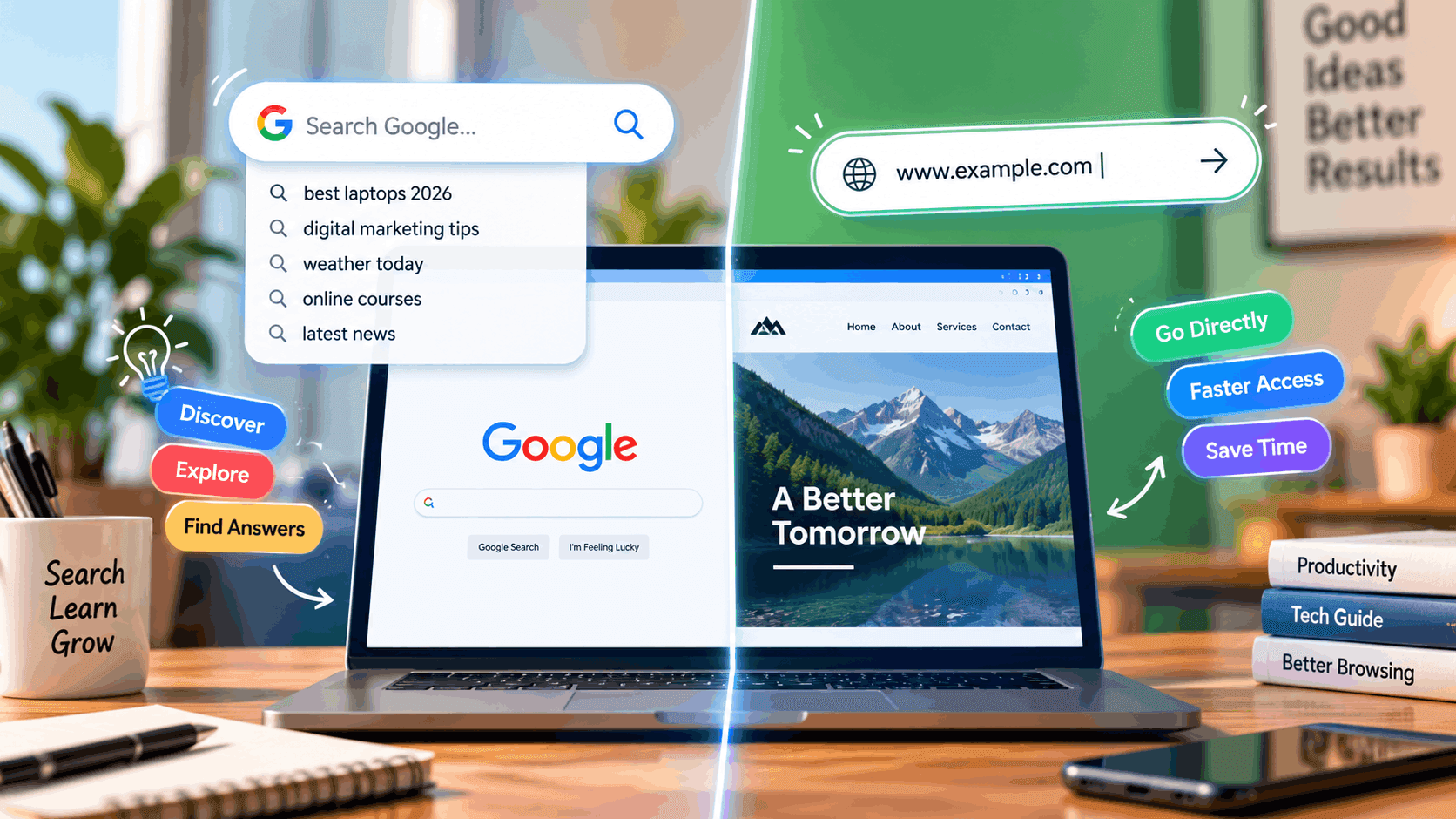
When you open a new browser tab, you're immediately met with one blank box: the address bar. Type "amazon.com" and hit enter, and you land on Amazon. Type "buy running shoes" instead, and you get a page of search results. Same box, two completely different outcomes - and most people switch between them without ever thinking about why it works, or which one they should actually be using.
That single box is technically called the "omnibox" (short for "omnidirectional box"), and every modern browser - Chrome, Edge, Firefox, Safari - uses the same basic logic to decide what you meant. Understanding that logic is the whole answer to "search Google or type a URL": you use whichever matches what you're actually trying to do, and the browser is built to guess correctly almost every time anyway.
Key Takeaways
- The address bar and the search box are the same input field in every modern browser.
- Type a URL when you know the exact site you want; type a search phrase when you're looking for something you haven't found yet.
- Browsers decide between "search" and "type a web address" by checking whether your input looks like a domain or a set of words.
- Typing the wrong thing rarely breaks anything - the browser either finds the site or falls back to a Google search.
What Happens When You Type Into the Address Bar
Every time you type into that bar and press Enter, the browser runs a quick check before it does anything:
- Does this look like a web address? If what you typed contains a recognizable pattern - a dot followed by letters (.com, .org, .in), or starts with http:// or https:// - the browser treats it as a URL and tries to load that site directly.
- Does it look like plain words or a question? If there's no domain-like pattern, the browser assumes you're trying to search and sends your text to your default search engine, which for most people is Google.
That's the entire mechanism behind "search google or type a url." You're not choosing between two separate tools - you're just giving the same tool different kinds of input, and it routes your request accordingly.
When You Should Type a URL
Type the actual web address when:
- You already know exactly which site you want (your bank, your email, a specific store).
- You're logging into something sensitive, like online banking or a work account. Typing the address directly - rather than searching for it and clicking a result - is one of the simplest ways to avoid landing on a lookalike phishing site.
- You want to skip the results page entirely and go straight to the destination.
A properly typed address looks like www.example.com or https://www.example.com. You don't need the "https://" part yourself - the browser fills that in automatically once it recognizes the domain.
When You Should Search Instead
Search when:
- You don't know the exact website, or there might be several options worth comparing.
- You're asking a question rather than naming a destination.
- You're not sure of the exact spelling of a domain. Guessing at a URL and getting it slightly wrong can land you on an unrelated (or unsafe) site; searching for the business name is safer.
This is really the difference between "search or enter url" as two separate habits: entering a URL is for destinations you already trust, and searching is for discovery.
What Is the URL for Google Itself?
A surprising number of people asking this land here wanting a very literal answer. The web address for Google's homepage is simply:
https://www.google.com
Typing that into the address bar takes you straight to the search box - no need to search for "Google" to find Google, though the browser will happily handle that too if you do it by habit.
Search Type vs. Type Search: Does the Order Matter?
No - "search type" and "type search" describe the same action from two directions: you're typing text, and the browser is deciding what type of request it is. The words people use to describe this (search or type, type an url, search or type web address) all point at the same single box and the same underlying decision the browser makes on your behalf.
What Happens If You Get It "Wrong"
Nothing breaks. If you type a phrase that happens to look like a domain, most browsers will still try to load it as a website first; if that fails, some will offer a prompt asking if you meant to search instead. If you type a full URL with a typo, the browser will usually just show a "site not found" error rather than silently searching for you. Either way, you're one click away from correcting course - there's no wrong button here, just a faster or slower route to the same place.
A Quick Decision Guide
| Situation | What to do |
|---|---|
| You know the exact site | Type the URL |
| You're comparing options | Search |
| You're logging into a bank or work account | Type the URL directly |
| You're asking "how do I..." or "what is..." | Search |
| You're not sure how a domain is spelled | Search for the business name |
The Bottom Line
"Search Google or type a URL" isn't really a choice between two competing tools - it's one box that reads your intent and routes it correctly almost every time. Type the address when you know exactly where you're going, especially for anything sensitive. Search when you're exploring, comparing, or unsure of the exact spelling. Once you see it that way, the question answers itself every time you open a new tab.
Frequently Asked Questions
In every current browser, no - they're the same field. Older browser versions kept them separate, but that design has been gone for well over a decade.
Some browsers will jump directly to a site if your search engine is confident enough that you meant one specific destination - this is a built-in shortcut behavior, not a separate feature you have to turn on.
For anything involving logins or payments, yes. Typing the address yourself (or using a saved bookmark) avoids the small risk of clicking a paid ad or a cloned link that impersonates the real site in search results.
Search for it. Typing a guess and hoping it's right is how people end up on the wrong site - searching the business or service name is more reliable.