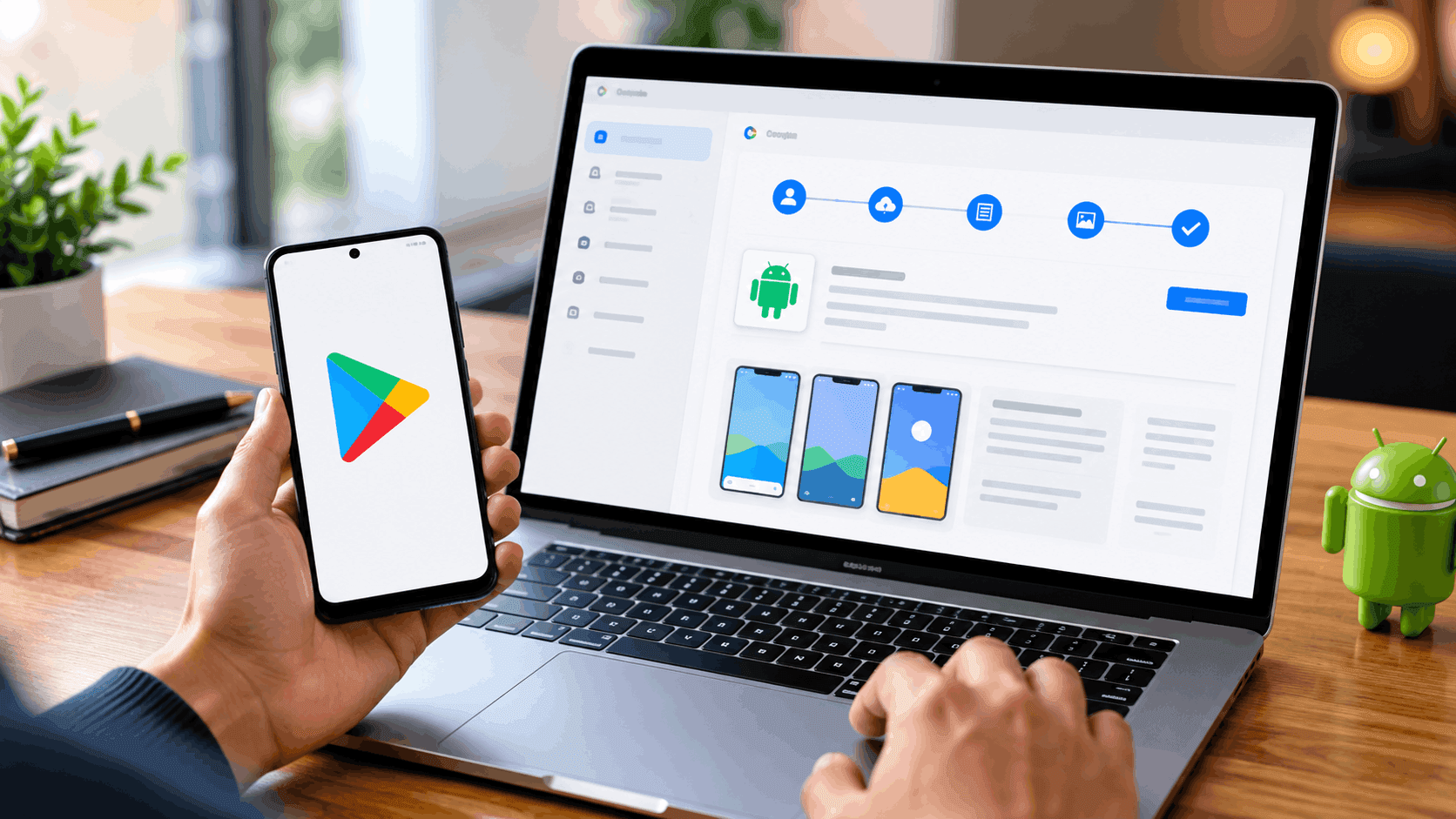
A finished app and a published app are two different milestones, separated by an account setup process, a mandatory testing phase, and a review that most first-time developers underestimate. Knowing what Google Play actually requires before starting saves weeks of avoidable delay.
What do you need before you start the Google Play publish process?
A working app build is the obvious requirement, but Google Play also expects a complete store listing, a privacy policy, and a verified developer identity before anything goes live. Missing any of these does not just slow down the review, it can stall an app indefinitely at the production-access stage.
Budget for a small upfront cost as well. Registering a developer account carries a one-time US$25 fee, according to Google's own Play Console Help documentation, payable by major credit card.
How to set up a Google Play Console account
Creating a Play Console account starts with a Google account and the registration fee, followed by an identity verification step. Google may request a valid government ID and a credit card, both listed under the developer's legal name, before granting full account access.
Organisations publishing under a company name face an additional layer of verification beyond what an individual developer completes. Personal accounts, by contrast, move through registration faster but run into a separate requirement that catches many first-time publishers off guard.
How does the closed testing requirement work for new accounts?
Personal developer accounts created after November 2023 cannot jump straight from registration to a public listing. Google's own testing requirements page requires at least 12 testers to actively use the app for 14 consecutive days before that account becomes eligible to apply for production access.
Skipping this closed testing phase means the app simply cannot go live, regardless of how polished the build is. Once the 14-day window closes with the tester threshold met, the developer still has to pass a production-access review built around ten questions about the app's purpose and functionality, which makes the realistic timeline from account creation to a live listing closer to two to four weeks rather than a single afternoon.
How to upload app on Play Store: preparing your store listing
Store listing content
Every app needs a title, a short description, and a full description, each written to reflect what the app actually does rather than stuffed with unrelated keywords. Google's ranking algorithm and its policy reviewers both penalise listings that misrepresent functionality to chase search visibility.
Screenshots and graphic assets
A feature graphic, an app icon, and a set of screenshots showing real app functionality are required before submission. Screenshots that show mockups or placeholder content instead of the actual interface frequently trigger policy rejections during review.
Content rating and target audience
Completing Google's content rating questionnaire assigns an age-appropriate rating that appears on the store listing. This step also determines which audiences the app can be marketed toward, since apps targeting children face additional restrictions around data collection and advertising.
Privacy policy
A published, publicly accessible privacy policy URL is mandatory for every app, not just ones that collect obvious personal data. Even a simple utility app that requests no special permissions still needs this policy on file to pass review.
Publishing Android application: uploading your build
Preparing the app bundle
Google Play requires apps to be submitted as an Android App Bundle rather than a standalone APK for new submissions. This format lets Google Play generate optimised APKs for each device configuration automatically, rather than shipping one oversized file to every user.
Choosing a release track
Play Console offers internal testing, closed testing, open testing, and production tracks, each suited to a different stage of release. Moving through internal and closed testing before a full production release, even beyond what Google mandates for new accounts, catches bugs that a developer's own testing often misses.
What happens during review
Google reviews both the app's functionality and its compliance with Play policies before a listing goes live, a process that typically takes a few hours to a few days depending on the app's complexity and category. Apps handling sensitive permissions, financial data, or content aimed at children tend to face longer and more detailed review cycles.
What happens after you publish an Android app to Google Play?
A published listing is not the end of the process. Play Console continues to enforce policy compliance after launch, and updates that change permissions, data collection, or core functionality typically trigger a fresh review cycle.
Monitoring crash reports, user reviews, and vitals metrics inside Play Console helps catch issues before they affect the app's visibility in search results. Google's ranking signals inside the Play Store reward apps with low crash rates and consistent updates, treating app store presence as an ongoing SEO channel rather than a one-time submission.
Margo Digitech supports app teams through exactly this kind of Play Store optimisation, from store listing copywriting to post-launch review and ranking monitoring, so that publishing the app is a starting point rather than the final step.
Frequently Asked Questions
For an established developer account, review typically takes a few hours to a few days. A brand-new personal account needs to add the mandatory 14-day closed testing period on top of that, pushing the realistic total closer to three to four weeks.
The app listing itself costs nothing beyond the one-time US$25 developer registration fee, which covers the account rather than each individual app. Paid apps or in-app purchases involve a separate revenue-sharing arrangement with Google, but publishing a free app carries no additional platform fee.
An APK is a single installable file built for every device, while an Android App Bundle lets Google Play generate device-specific APKs automatically. New app submissions are required to use the app bundle format rather than a standalone APK.
To cut down on the number of poor quality or spam apps in production before they're even actually used, Google instituted this closed testing requirement. Personal accounts from after November 2023 are required to undergo a closed test of at least 12 people for 14 days before requesting access to production.
Yes, even if an app does not collect any data, it must have a publicly accessible URL in its privacy policy to the Google Privacy Policy. This is one of the most common reasons for first time submissions to be rejected.