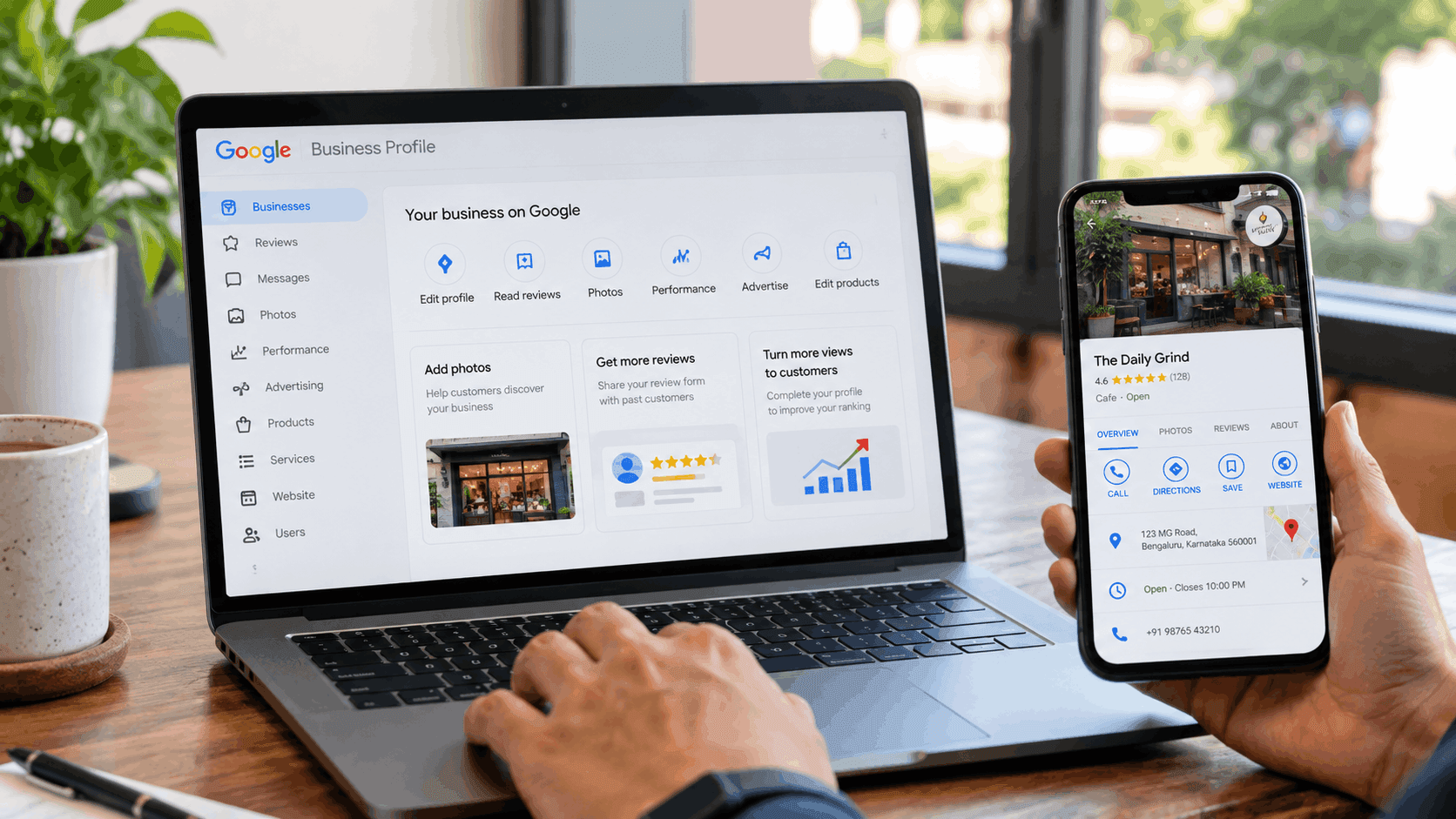
A business that never appears in a Google Maps search or a "near me" query is invisible to a large share of its potential customers before they even reach a website. Listing that business on Google closes the gap between existing and being findable.
What is a Google Business Profile?
A Google Business Profile is the free listing that appears in Google Search and Google Maps whenever someone searches for a business by name or by category and location. It shows the business name, address, hours, photos, reviews, and a direct link to call or get directions, all without the searcher needing to visit a website first.
This listing sits at the centre of local SEO, since it is often the first thing a nearby customer sees before deciding whether to click through, call, or visit in person. Creating one costs nothing and takes roughly fifteen minutes for a straightforward, single-location business.
Why does listing your business on Google matter for local visibility?
Consumer research on local search behaviour makes the case clearly. 97% of consumers read online reviews when researching a local business, according to BrightLocal's Local Consumer Review Survey, and most of those reviews are read directly on a business's Google listing.
That same research found 85% of consumers report being more likely to use a business after reading positive reviews about it. A business with no Google listing has no reviews to show at all, which removes the single strongest trust signal available in local search before a customer even considers the competition.
How to create a Google My Business profile: step-by-step
Sign in and start the listing
Creating a profile starts at business.google.com/add, using the Google account that will manage the listing long-term. Using a personal account rather than a dedicated business account can complicate ownership transfers later, so a business-specific Google account is worth setting up first.
Enter business name and category
The business name should match exactly what appears on a storefront, invoice, or signage. Google penalises listings that add keywords or location names not part of the actual business name. Selecting the most specific category available, rather than a broad catchall, helps the listing surface for the right searches.
Add location or service area
A business with a physical storefront customers can visit enters a street address, which Google may ask to confirm against mapping data. A service-area business, such as a plumber or a mobile consultant, instead defines the regions it serves without listing a public storefront address.
Add contact details and hours
A working phone number and accurate business hours matter more than they might seem. Google actively checks for consistency between listed hours and real-world activity through user feedback. Inconsistent or outdated hours are one of the most common reasons customers arrive to find a business closed.
Verify the business
Verification confirms to Google that whoever is creating the listing genuinely controls the business, and a listing cannot go live in search results until this step is complete. Available methods vary by business type and location, and Google's own verification guidance walks through the current options step by step during setup.
How to register your business on Google: choosing a verification method
| Method | Typical use case | Turnaround |
|---|---|---|
| Phone or text | Businesses eligible for instant verification | Immediate |
| Businesses with a matching business email domain | Immediate to a few hours | |
| Video recording | Service-area businesses without a public address | A few days |
| Postcard by mail | Businesses without another eligible method | One to two weeks |
Google determines which methods are offered to a specific listing automatically, based on the business category, location, and account history, so not every method above will appear for every business.
How to make a Google Business page that actually converts
A verified listing is only the starting point. Adding a genuine business description, real photos of the location, products, or team, and keeping the Q&A section monitored all shape whether that listing turns a search into a visit.
Encouraging customers to leave reviews, and responding to the ones that arrive, compounds the trust signal a complete profile already provides. A profile that sits untouched after verification tends to lose visibility over time as Google favours listings that show ongoing activity over ones that go dormant.
Margo Digitech manages Google Business Profile setup and ongoing optimisation as part of its local SEO work, handling everything from initial verification through review monitoring so a listing keeps working after the first setup.
Frequently Asked Questions
Yes, creating and maintaining a Google Business Profile costs nothing regardless of business size or category. Paid advertising options exist separately, but the core listing and its features remain free.
This often takes place in as few as minutes or hours via phone or email, or a few days via video, or one to two weeks via postcard. It is not a predetermined option; it is dependent on the type of business and its location.
A business with multiple physical locations should create a separate profile for each address rather than one listing covering every branch. Creating duplicate listings for a single location violates Google's guidelines and can result in listings being suspended.
Updates to hours, address, phone number, or services can be made directly through the profile at any time. Significant changes, such as a full address change, sometimes trigger a fresh verification request from Google.
A well-maintained profile primarily strengthens visibility in Google Maps and local pack results, though it also feeds into the broader trust signals search engines weigh for a business overall. It works best paired with a properly optimised website rather than as a replacement for one.