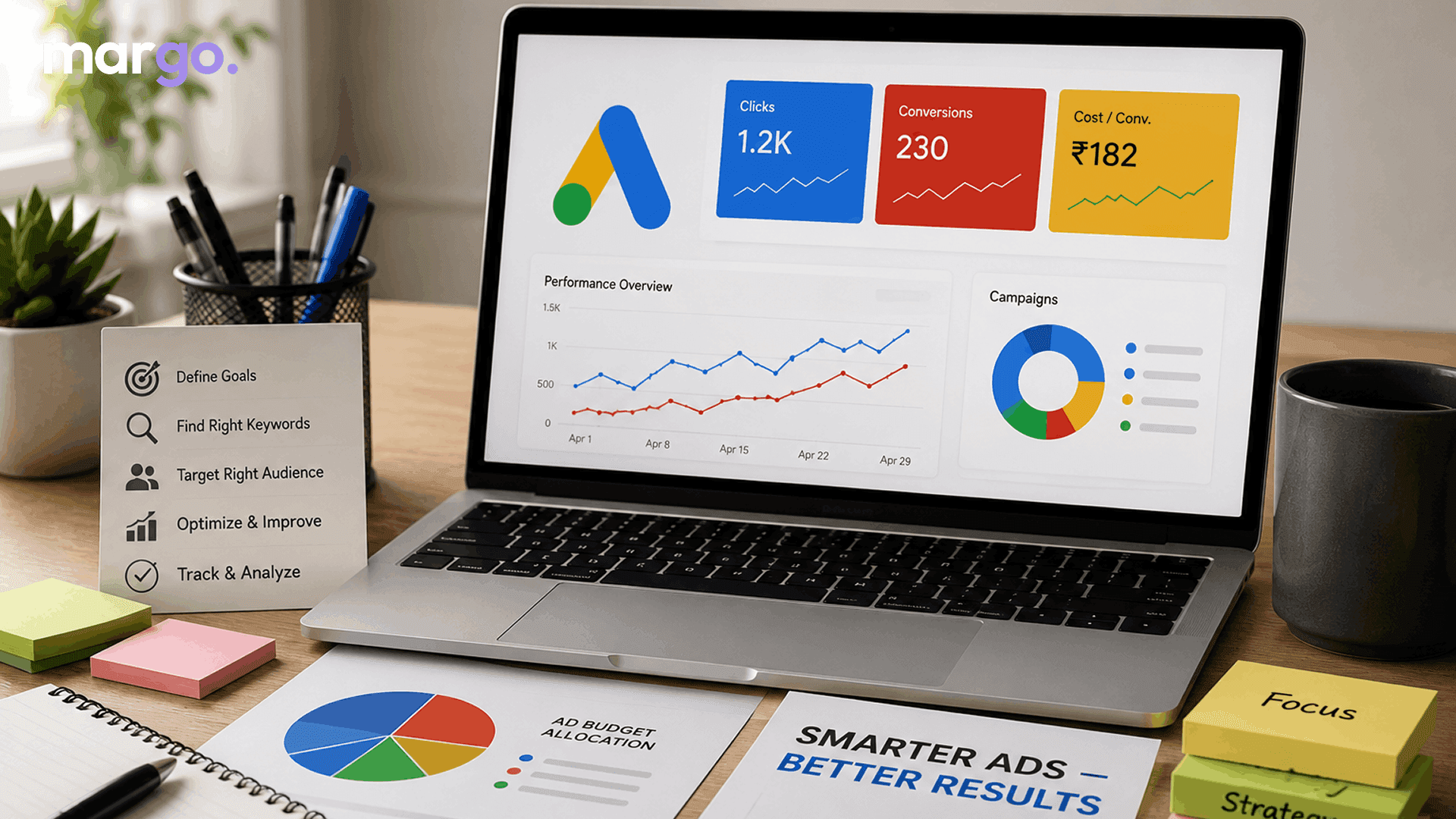
Most small business owners try Google Ads once, watch the budget disappear in a week, and swear it off forever. That's not a Google Ads problem. It's a setup problem. Google Ads for small business works when the account is built for how small businesses actually operate: a tight budget, buyer-intent keywords, and settings tuned to stop waste, not encourage it. This is a small business Google Ads strategy you can run yourself, without an agency retainer.
What a Realistic Budget Looks Like
Before touching a single setting, it helps to know what you're working with. Google Ads costs vary enormously by industry: the average cost per click across all industries is $5.42, but that ranges from $1.63 in Arts & Entertainment up to $9.87 for Attorneys & Legal Services. The average cost per lead sits at $66.69, though it swings from under $30 in categories like Automotive Repair to over $130 in Legal Services. A useful rule of thumb: budget for at least 10 clicks a day in your target market. If you go below that, you're not giving Google's system or yourself enough information to figure out what works.
Google Ads Strategies That Actually Work for Small Businesses
Once your budget expectations are set, these are the moves that matter most for a small account.
Start with Search, not Display or Performance Max
Search ads show up when someone is actively looking for what you sell, which means you're spending on intent, not attention. Performance Max and Display need volumes of conversion data to optimize well — on a small budget with no history, they tend to burn money on placements that never convert. Start with Search, build a few months of conversion data, and consider expanding from there.
Turn off Search Partners and the Display Network
When you create a Search campaign, Google often opts you into these by default. Search Partners tend to produce lower-quality clicks, and Display rarely converts for lead generation. Uncheck both in campaign settings.
Fix your location targeting to "Presence only."
By default, Google shows your ads to people "in or interested in" your area — meaning someone across the country researching your city can see and click your ad. For a local business, that's a wasted click you paid for. Change this setting to target only people actually located in your service area.
Build a negative keyword list from day one
Negative keywords stop your ads from showing on searches that have nothing to do with what you offer. Don't wait until budget has already leaked out — start the list before launch and add to it weekly.
Bid on buyer-intent keywords, not industry terms
"Emergency plumber near me" signals someone ready to call. "Plumbing" doesn't. Choose 5–10 tightly themed keywords with clear commercial intent, and use phrase or exact match rather than broad match until you've built up real conversion data.
Concentrate your budget instead of spreading it thin
A $1,000/month budget split across five campaigns gives each one about $6.50 a day — not enough clicks to learn anything. Put your full budget behind one focused campaign until it's profitable, then expand.
Send traffic to a dedicated landing page, not your homepage
If someone clicks an ad for weekend appliance repair, they should land on a page about weekend appliance repair. Match the headline to the ad, keep one clear call to action, and cut the navigation menu that gives visitors an easy way to leave.
Set up conversion tracking before you spend a dollar
Without it, you're measuring clicks, not customers, and Google's bidding system has no way to learn what a valuable click looks like. Track calls, form submissions, and bookings — not just traffic.
Review the search terms report weekly
This report shows the exact phrases people typed before clicking your ad. It's the single best source for new negative keywords, and checking it weekly catches waste before it adds up.
Give campaigns 2–4 weeks before judging them
Google's system needs a meaningful number of conversions to optimize bidding effectively. Judging a campaign after three days of data almost always leads to the wrong conclusion — give it real time before making major changes.
Putting It Together
None of this requires a big budget or an agency contract — it requires a shift in mindset. Fewer, more focused campaigns beat several underfunded ones. Buyer-intent keywords and a solid negative keyword list beat broad match and guesswork. And a landing page built for the ad, paired with real conversion tracking, will usually move the needle more than raising your daily spend.
Start with one keyword group, one dedicated landing page, and conversion tracking switched on from day one. Run it for a full month before you decide whether it's working — that's usually the difference between a small business that gives up on Google Ads and one that turns it into a repeatable source of customers.
Frequently Asked Questions
It depends on your industry. At $10/day and an average CPC of $5.42, you might only get 1–2 clicks — not enough to draw any real conclusions. Most small businesses need closer to $30–50/day to hit the 10-clicks-a-day threshold needed for the data to mean anything.
You'll see clicks within hours of launching, but expect 2–4 weeks before you have enough conversion data to judge performance, and 60–90 days before you can fairly assess overall ROI. Use the early weeks for keyword and landing page testing, not final judgments.
They are used for different things. Google Ads is much better converting, despite the higher cost per click, because it targets people actively searching for your offering. Meta Ads targets users by interests and demographics – cheaper clicks but less purchase intent. For most small businesses, running Google Search ads gets faster results.
No - a small, tightly targeted budget usually outperforms a larger one spread across broad keywords. A small business can compete without matching a bigger competitor’s total spend by focusing spend on a handful of buyer-intent keywords and a narrow local radius.
The 2026 cross-industry average is 8.18%, though it varies widely — from under 3% in categories like Finance & Insurance up to over 15% in Automotive Repair. If your conversion rate sits well below your industry's average, the issue is usually the landing page or keyword targeting, not the ad itself.