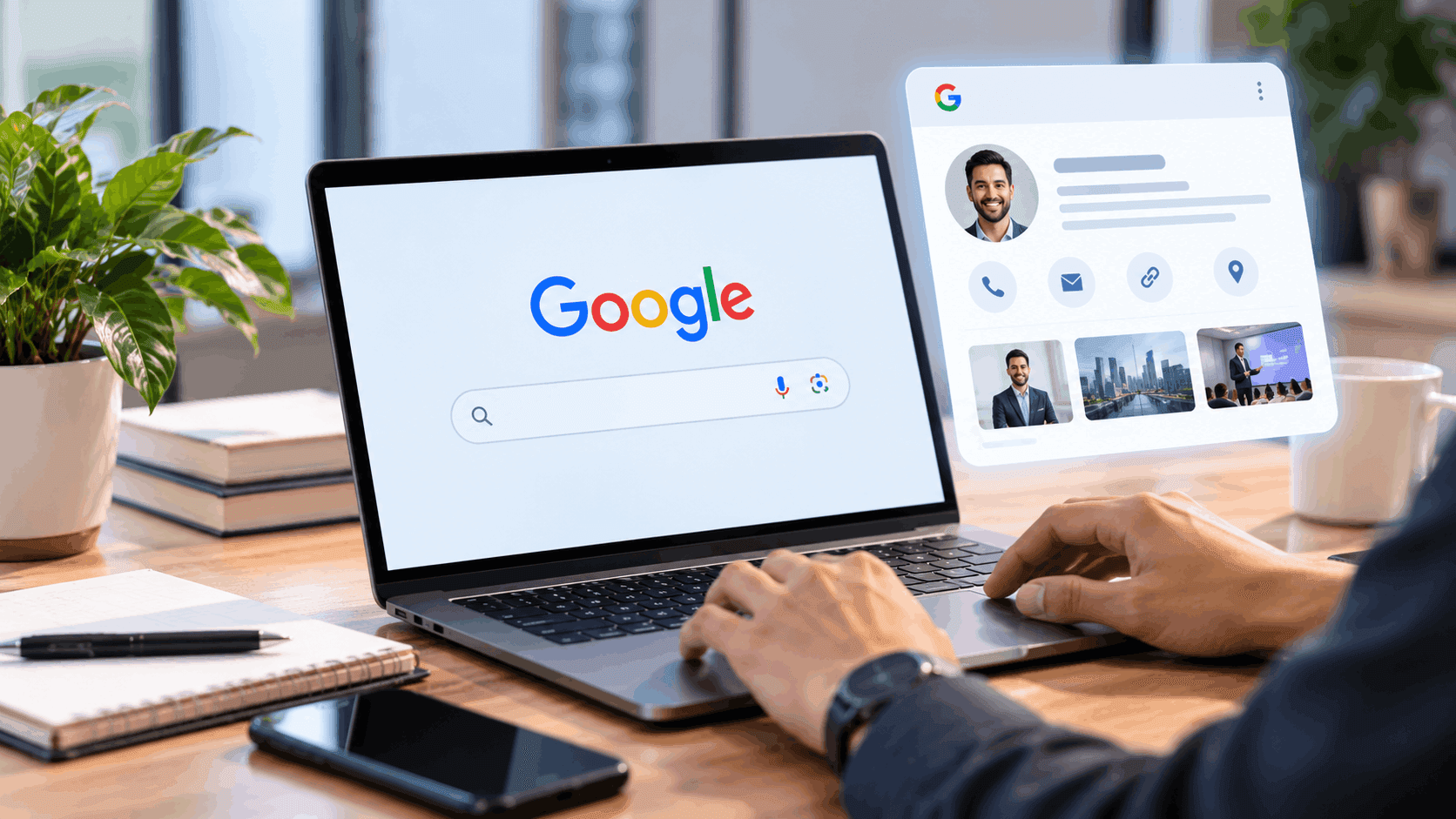
You can't create a Google People Card any more. Google switched off the "Add me to search" feature on 7 April 2024. After that date no one could make a new card or edit an old one, existing cards were taken out of search results, and card owners had until 7 May 2024 to download their data. If a guide published in 2025 or 2026 tells you to search "add me to search" and tap Get started, it's out of date.
The goal behind the search is still real, though. You want people who Google your name to find you: your photo, your work, the right links. That's still possible. It just takes a few different tools now, most of them free.
This guide covers three things:
- How the People Card worked, and the steps people used to follow
- Why Google removed it
- What to do in 2026 to add yourself to Google search, in order of impact
What was "Add me to search"?
"Add me to search" was the phrase you typed into Google to start building a People Card. A People Card was a small virtual visiting card that could appear at the top of results when someone searched your name.
Google launched it in India in August 2020 and later opened it to Kenya, Nigeria and South Africa. It was built for people who had no Wikipedia page or news coverage: freelancers, small business owners, teachers, doctors, job seekers, creators.
A card could show:
- Your name and a profile photo (taken from your Google account)
- Your job title and city
- A short "About" section
- Your website and social media links
- Optionally, your phone number and email
It was free, it only worked on mobile, and you needed a personal Google account and a phone number Google could verify by SMS.
How to create a People Card on Google (the steps as they worked)
These steps are here for reference, because many people still search for them. They no longer work. If you follow them today, nothing will happen.
What you needed
- A personal Google account (not a Workspace or brand account)
- A smartphone with the Google app or a mobile browser
- A phone number for SMS verification
- To be in a supported country, with Google set to English or Hindi
- Web & App Activity turned on in your Google account
The steps
- 1.Sign in to Google on your phone.
- 2.Search "add me to search".
- 3.Tap Get started on the "Add yourself to Google Search" box.
- 4.Verify your phone number with the code Google sends.
- 5.Fill in your details: name, location, job, about, and optionally your links, phone and email.
- 6.Preview the card and tap Save. It usually appeared in results within a few hours.
Editing worked the same way. You searched "edit my people card" and changed the fields.
Why Google removed People Cards
Google announced the shutdown on 8 March 2024. Its explanation was brief: the feature "wasn't as helpful for people as we hoped."
Google didn't go into detail, but the weak spot is easy to see. People Cards were self-reported. Apart from a phone number check, nothing confirmed that you were who you said you were, or that you did the job you listed. Anyone could make a card that said anything. Cards also appeared in only four countries, so the feature never became a global product.
The larger point is that Google now leans on signals it can check: your own website, profiles that link to each other, mentions on other sites, and verified business listings. That's where your effort should go now.
How to add yourself to Google search in 2026: what actually works
There's no single form that puts you on Google any more. There are six things that together do the same job, and often do it better, because the result is harder to fake.
| Option | Best for | Cost | What it gets you |
|---|---|---|---|
| 1. Personal website | Anyone with a professional reputation to build | A domain plus hosting; a free site builder works to start | The result you control, often #1 for your name |
| 2. Linked, consistent profiles | Everyone | Free | LinkedIn, Instagram, YouTube etc. filling page one |
| 3. Knowledge Panel (claim it) | People with public coverage | Free | The box on the right side of results |
| 4. Google Business Profile | Professionals with a place of work | Free | A Maps and local listing with reviews |
| 5. Mentions and press | Founders, experts, creators | Free to paid | The signals that make 1–3 work |
| 6. Clean-up tools | Everyone | Free | Wrong or private info fixed or removed |
1. Build a simple personal website
This is the closest thing to a People Card that you fully control, and it's what a card should have been in the first place.
You don't need a big site. One strong page is enough to start:
- The page title contains your name and what you do. For example: Riya Mehta, Chartered Accountant in Delhi.
- A clear photo, a two-paragraph bio, and what you want to be found for.
- Links to all your official profiles, and those profiles linking back to the site.
- Your name spelled exactly the same way everywhere.
Then add a few lines of Person schema. It's code that tells Google, in a format it reads directly, who the page is about and which profiles belong to that person:
{
  "@context": "https://schema.org",
  "@type": "Person",
  "name": "Riya Mehta",
  "jobTitle": "Chartered Accountant",
  "url": "https://www.riyamehta.in/",
  "image": "https://www.riyamehta.in/riya-mehta.jpg",
  "address": { "@type": "PostalAddress", "addressLocality": "New Delhi", "addressCountry": "IN" },
  "sameAs": [
    "https://www.linkedin.com/in/riyamehtaca",
    "https://www.instagram.com/riyamehta.ca",
    "https://www.youtube.com/@riyamehtaca"
  ]
}
Finally, add the site to Google Search Console and request indexing, so Google finds it quickly instead of waiting to stumble on it.
Learn more: Google Search Central documentation on structured data / schema.org Person
2. Make your profiles agree with each other
When someone Googles your name, page one is usually filled with profiles: LinkedIn, Instagram, X, YouTube, Facebook, Crunchbase, Behance, GitHub, or Google Scholar for academics. You can't stop Google showing them, but you can make them all tell the same story.
- Use the same name, photo and one-line headline on every profile.
- Put your website link in each bio.
- Fill in LinkedIn completely. It ranks for names very reliably.
- Delete or update old profiles that show an old job, an old city or a different spelling of your name.
This is dull work, and it's where most of the results come from.
3. Get a Knowledge Panel, then claim it
A Knowledge Panel is the box on the right of desktop results (or near the top on mobile) with a photo, a short description and key facts. It's the "grown-up" version of a People Card.
You can't create one. Google builds Knowledge Panels on its own, when it has enough trustworthy information about a person from sources like news coverage, official websites, Wikipedia or Wikidata, and well-linked profiles. Steps 1, 2 and 5 are how you get there.
If a panel already appears when you search your name:
- 1.Search your name on Google.
- 2.At the bottom of the panel, click Claim this knowledge panel.
- 3.Sign in and follow the verification steps. Google asks you to prove you're the person, for example by signing in to one of your official profiles, and sometimes by sending a photo of yourself holding government ID.
- 4.Once verified, use Suggest edits to update the photo, description and social profiles.
A claimed panel doesn't give you direct control. It means Google gives your suggested edits priority.
Know more: Google Knowledge Panel Help, "Get verified on Google" and "Suggest changes to your knowledge panel"
4. Use Google Business Profile if you see clients
If you're a doctor, lawyer, CA, architect, coach, tutor, salon owner or consultant, Google Business Profile is the free listing that most people actually mean when they say "add me to Google free". It shows on Google Maps and in local results, with your hours, phone number, photos and reviews.
Google's guidelines allow individual practitioners, professionals who deal with the public, to have their own profile, separate from the clinic or firm they work at. You need a real address where you see clients (or a service area), and you have to verify it.
This is the one part of "add me to search" that still works almost exactly as people hoped: fill in a form, verify, appear on Google.
Need more visibility in local search? Explore our [local SEO services](https://www.margodigitech.com/brand-solutions/local-seo-services).
5. Give Google something to find: mentions, interviews, articles
Google recognises a person when other trustworthy sites talk about them. A few good mentions do more than any profile you write about yourself:
- Interviews and quotes in industry publications or local news
- Guest articles under your name, with a bio linking to your site
- Podcast and YouTube appearances with your name in the title or description
- Speaker pages at events, and author pages on publications you write for
- Listings in professional directories and associations
This is also what AI assistants draw on when someone asks them who you are. It's worth doing well once rather than badly many times.
Want to earn more media mentions and expert coverage? Explore our digital PR agency services.
6. Fix what's already there
"How to add information on Google" is often really "how to fix what Google shows". The tools depend on what's wrong:
| You want to... | Where to do it |
|---|---|
| Update your business hours, phone or photos | Google Business Profile |
| Change the photo or description in your Knowledge Panel | Claim the panel, then Suggest edits |
| Get a new or updated page on your site into Google | Search Console, URL Inspection, Request indexing |
| Fix wrong details about a place on Maps | Suggest an edit on the Maps listing |
| Remove results showing your phone number, home address or email | Google's Results about you tool |
| Push down old or negative results about you | New, stronger pages (steps 1, 2, 5), and reputation management |
Remove personal contact details from Google Search using the Results about you
A 30-day plan to replace your People Card
If you want a simple order to do this in:
Week 1: Decide how you want to be found. Pick one version of your name, one photo and one headline (for example "Riya Mehta, Chartered Accountant, Delhi"). Google your name in a private window and note what shows up on page one.
Week 2: Build the base. Update LinkedIn fully. Make every other profile match. Delete what's outdated. Set up Google Business Profile if you see clients.
Week 3: Publish your page. Launch a one-page personal site or an about page on your company site, with your name in the title, Person schema and links to your profiles. Add it to Search Console.
Week 4: Get two or three mentions. A guest post, a podcast, a directory listing, a quote in an article. Link each one back to your page.
Then search your name again. New pages can take a few weeks to settle in rankings, so check again at the 60 and 90-day marks.
Then search your name again. New pages can take a few weeks to settle in rankings, so check again at the 60 and 90-day marks. Learn more about how long SEO takes to work.
Mistakes to avoid
- Paying someone who promises to "create your People Card". It isn't possible. Anyone selling it in 2026 is selling nothing.
- Creating a Wikipedia page about yourself. Self-written or paid articles are usually deleted for not meeting notability rules, and a deleted page can look worse than no page.
- Using a different name on every platform. "Riya M.", "CA Riya" and "Riya Mehta Official" look like three different people to a search engine.
- Keyword-stuffing your bio. "Best CA in Delhi, top CA Delhi, CA near me" reads as spam to people and to Google.
- Expecting overnight results. A People Card showed up in hours. A real search presence takes weeks. It's also much harder for anyone else to fake.
The takeaway
"Add me to search" was a shortcut, and Google closed it. The longer route of your own page, matching profiles, a verified Business Profile and genuine mentions takes more effort. It also holds up better, because you control it and it's harder for anyone else to fake.
If you'd rather have this done properly, Margo Digitech's personal branding team builds your name's search presence from the ground up, and our online reputation management service handles results you'd rather people didn't see first. Talk to us about what shows up when someone Googles you.
Frequently Asked Questions
No. Google discontinued People Cards on 7 April 2024. You can't create a new card or edit an old one, and existing cards were removed from search results.
Because the feature no longer exists. It isn't a country, language or account setting. Searching "add me to search" or "add me to Google search" now just shows normal results.
Yes. A fully filled LinkedIn profile, matching social profiles and, if you see clients, a Google Business Profile are all free. A personal website costs only a domain and hosting, and free site builders work to start.
It was removed from Google Search in April 2024. Google let owners download their card data until 7 May 2024, after which it was deleted.
You can't request one directly. Google creates Knowledge Panels when it finds enough reliable information about you across the web. Build a personal website with Person schema, keep your profiles consistent and earn mentions on other sites. If a panel appears, claim it and verify your identity to suggest edits.
No. People Cards were only for individuals. Businesses should use Google Business Profile, which is still free and fully available.